The AI assistant: less typing, more time for the horses
Copying out a passport, re-entering a prescription, reading back through weeks of sessions: these jobs need doing, but they take time the yard doesn’t have. The StallDesk assistant prepares them from a photo or from your notes. You check, you confirm, and the day carries on.
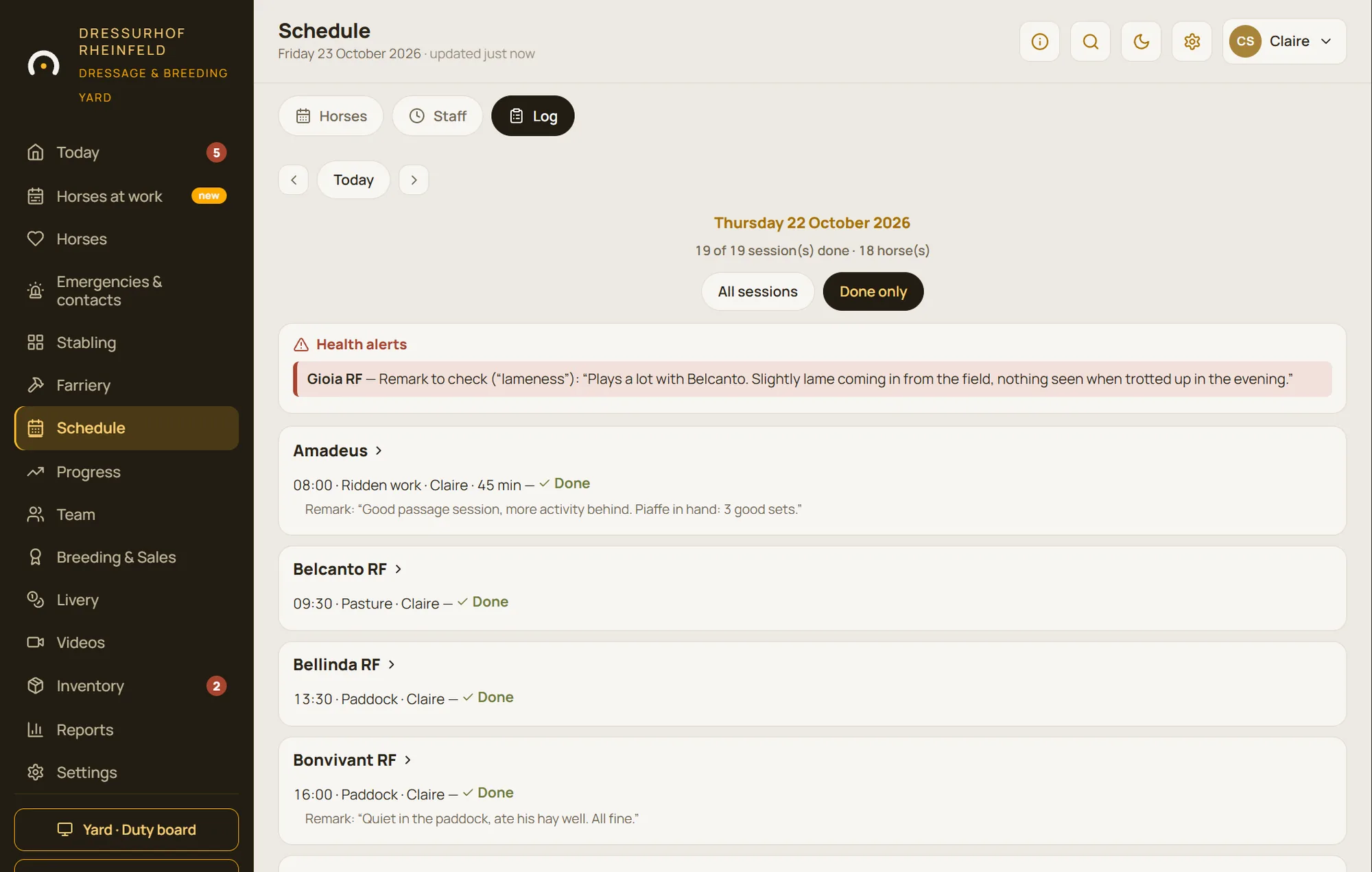
Time saved
What the assistant saves you doing by hand
Every feature starts from a real job on the yard. The assistant does the typing or the reading back; the decision always stays with you.
Setting up a new horse’s record
Without the assistant Copying out the passport line by line: identity, colour, date of birth, breeding, ID numbers.
With the assistant A photo of the passport pre-fills the record. You read it through, complete it and save.
Setting up a treatment
Without the assistant Re-entering the vet’s prescription, with the risk of a copying error on a dose.
With the assistant A photo of the prescription pre-fills the medicine, dose, plan and duration. You check before confirming.
Reviewing the working week
Without the assistant Reading back through the schedule and riders’ feedback, horse by horse, to plan the next week’s workload.
With the assistant Every Sunday, an analysis is written for each horse being tracked: what was observed, what it is based on, what is suggested.
Recording how a session felt
Without the assistant A form to fill in as you get off, or nothing written down for lack of time.
With the assistant The rider types or dictates a few words. The assistant reads them and takes them into account in the week’s analysis.
The time you save depends on your yard: how many horses there are to set up, the treatments under way, the horses being tracked. Rather than quote a theoretical figure, we show you in the demo.
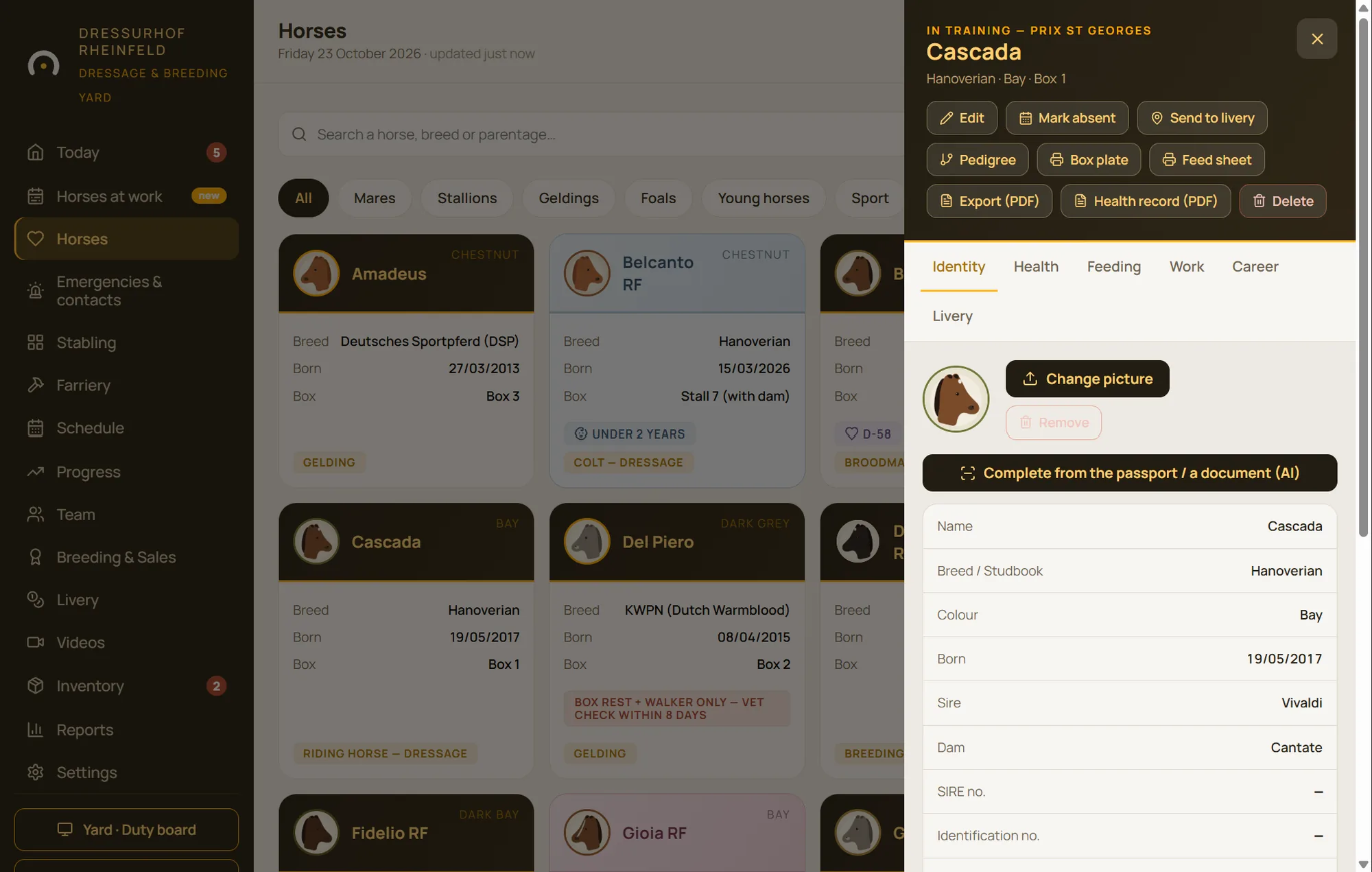
A new horse on the yard: its record from its passport
A new livery arriving, a mare you’ve bought, a foal getting its papers: its record needs setting up. Instead of copying out the passport, you take a photo of it. StallDesk pre-fills the record, and you read it through before saving.
It’s also what speeds up getting started: setting up depends mostly on how many horses there are to describe, and each record starts out already filled in.
- A pre-filled record, checked and corrected by you
- Passports, prescriptions and contracts filed with the horse
The prescription photographed, the treatment ready to give
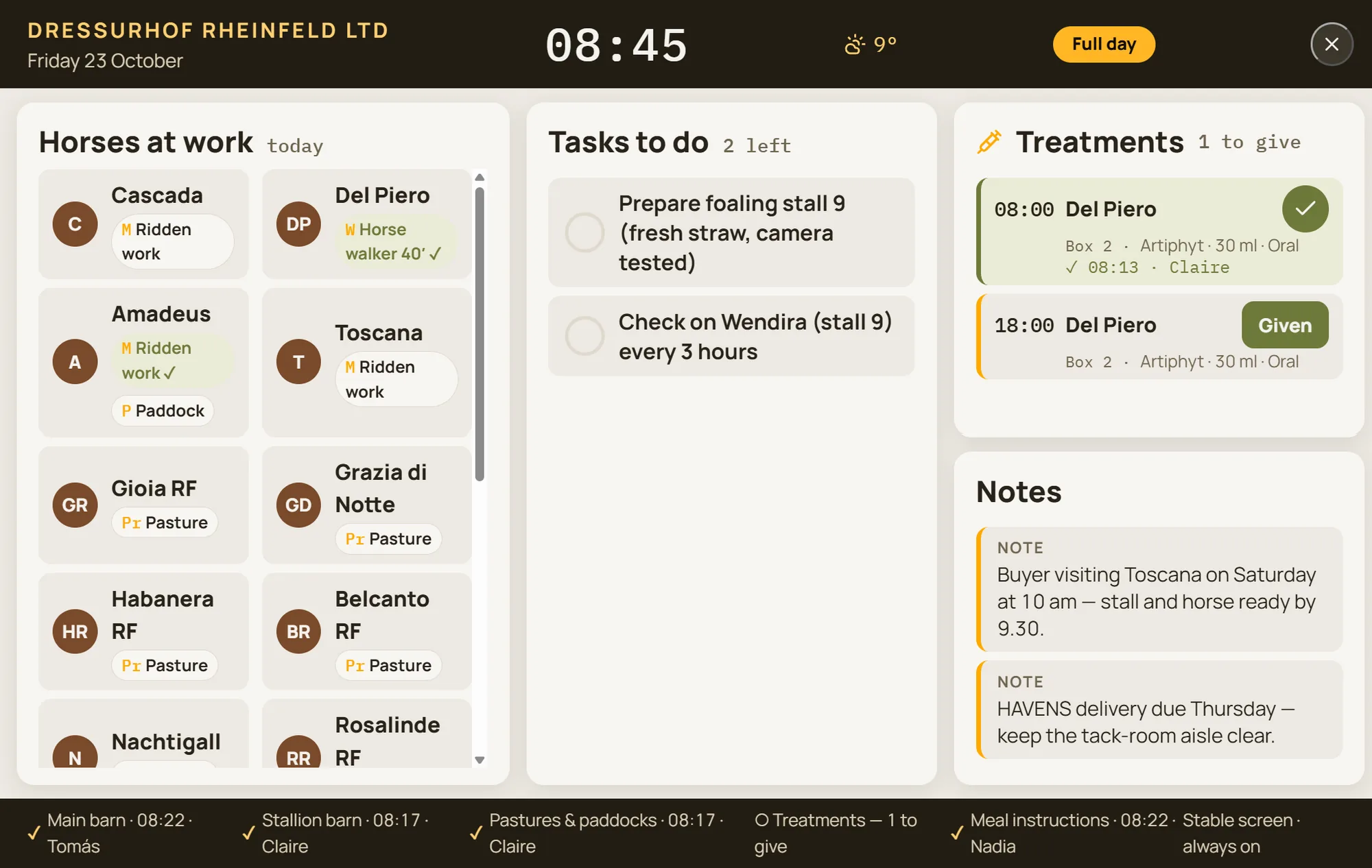
The vet drives off, the prescription is pinned to the stable door. A photo is all it takes: StallDesk picks out the medicine, dose, plan and duration, and prepares the treatment plan. You check and confirm.
The treatment then appears in the feed round and on the yard screen, and every dose given is signed off.
- Less re-typing, less risk of copying errors
- A plan for every day, or only on certain days of the week
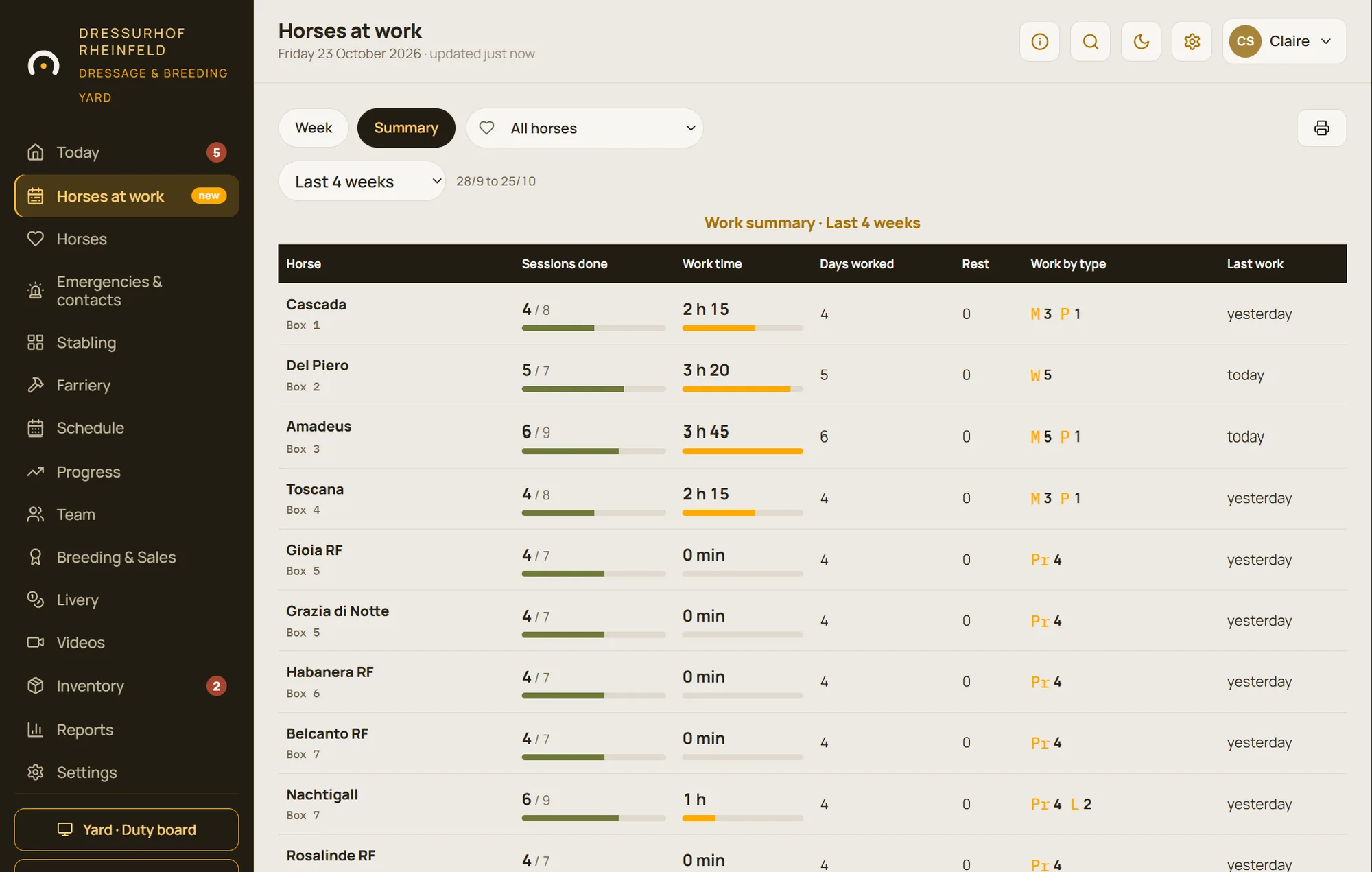
Every Sunday, the week’s analysis for each horse
With the Progress module, StallDesk calculates workload, fitness and monotony for each horse being tracked. Every Sunday, the assistant writes the week’s analysis: what it observed, what it bases this on, and what it suggests.
The rider or manager applies the suggestion to the schedule, postpones it or ignores it. No more piecing the week together from memory: it has already been read, summarised and reasoned.
- A weekly email report for riders, in their own language
- The analysis can be translated on request into the device’s language
- The assistant talks about work and workload, never about veterinary diagnosis
The AI prepares, you decide
Reading a passport or a prescription is triggered by a user, one image at a time, never in bulk, and a notice appears before anything is sent. The weekly analysis only covers the horses you choose to track. Nothing is saved or applied to the schedule without your confirmation.
These features are optional: they can be switched off for your yard, and the rest of StallDesk works without them. StallDesk does not use your data to train a model. The AI provider, which may process data outside the European Union, is named in the data processing agreement.
- Triggered by you, one image at a time
- Nothing applied without your approval
- Can be switched off for the whole yard
- No model training on your data
Questions about the AI assistant
How much time does the assistant save?
It depends on your yard: how many horses there are to set up, the treatments under way and the horses being tracked. Rather than promise a figure, we’d rather show you in the demo.
Is the AI assistant included?
The AI assistant is one of StallDesk’s options, like the Progress module. We switch it on for your yard if you want it, and we work out the price with you after the demo.
Can the assistant get it wrong?
Yes. That’s why everything it prepares is read through before it’s saved, and every piece of advice shows what it’s based on. Nothing is applied without your approval, and the assistant never makes a veterinary diagnosis.
Is my data used to train an AI?
No. StallDesk does not use your data to train a model. The AI features only process the image or text you submit to them, at the moment you do so.
Are riders informed?
Yes. Reading free text and the Sunday analysis only happen if the corresponding options are switched on for your yard, and riders are informed. Ready-made phrases and the schedule work without them.
See the assistant at work
In the demo: a Prix St Georges schoolmaster, its working weeks, its observations and the assistant’s advice.